

When selling on Amazon through their Fulfillment by Amazon (FBA) program, proper labeling is absolutely critical to your success. Amazon FBA labels serve as the identifying markers that ensure your products move seamlessly through Amazon’s vast fulfillment network. Without correctly formatted and applied Amazon FBA labels, your inventory can face delays, rejections, or even destruction – potentially costing you significant money and time.
In this comprehensive guide, we’ll cover:
- What Amazon FBA labels are and why they’re essential
- Types of Amazon FBA labels and size requirements
- Step-by-step instructions for printing Amazon FBA labels
- Best practices for applying labels correctly
- Common labeling mistakes to avoid
- Label printing options (DIY vs. professional services)
- Recommended supplies and equipment
- FAQs about Amazon FBA labels
What Are Amazon FBA Labels and Why Are They Important?
Amazon FBA labels contain critical identifying information that allows Amazon’s automated systems to process, store, and ship your products. Each label displays a unique barcode (FNSKU – Fulfillment Network Stock Keeping Unit), product name, and condition information. These Amazon FBA labels are essential because they serve as the product’s digital identity within Amazon’s fulfillment centers.
Amazon’s automated despatch process relies heavily on these barcodes for accurate tracking and handling. Without proper labeling, your products may become “stranded inventory” or potentially mixed with similar items from other sellers. Amazon can even fine sellers for incorrect labeling practices or destroy items if ownership cannot be determined.
Types of Amazon FBA Labels and Size Requirements
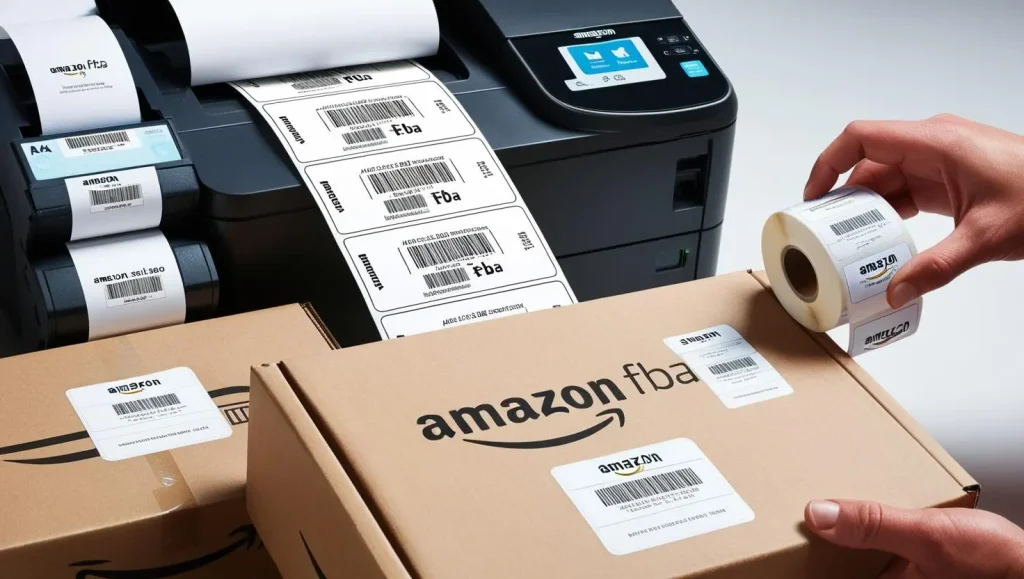
When creating your Amazon FBA labels, you’ll need to select the appropriate size based on your products and packaging. The label must be large enough to be easily scanned and should completely cover any existing manufacturer barcodes.
Amazon provides several label size options when printing from their platform:
21-up labels
- 63.5 mm x 38.1 mm (LL21)
24-up labels
- 63.5 mm x 33.9 mm (PDL24A)
- 70.0 mm x 36.0 mm (LL24S)
- 70.0 mm x 37.0 mm (LL24)
27-up labels
- 63.5 mm x 29.6 mm (PDL27)
40-up labels
- 52.5 mm x 29.7 mm (LL40)
44-up labels
- 48.5 mm x 25.4 mm on A4 (LL44)
For proper scanning, Amazon requires sufficient white space around the barcode – specifically 0.25″ (6.25mm) on the sides and 0.125″ (3.1mm) from the top and bottom. This white space is crucial for the scanning equipment to properly read the barcode information.
Trusted UK Supplier for FBA Labels
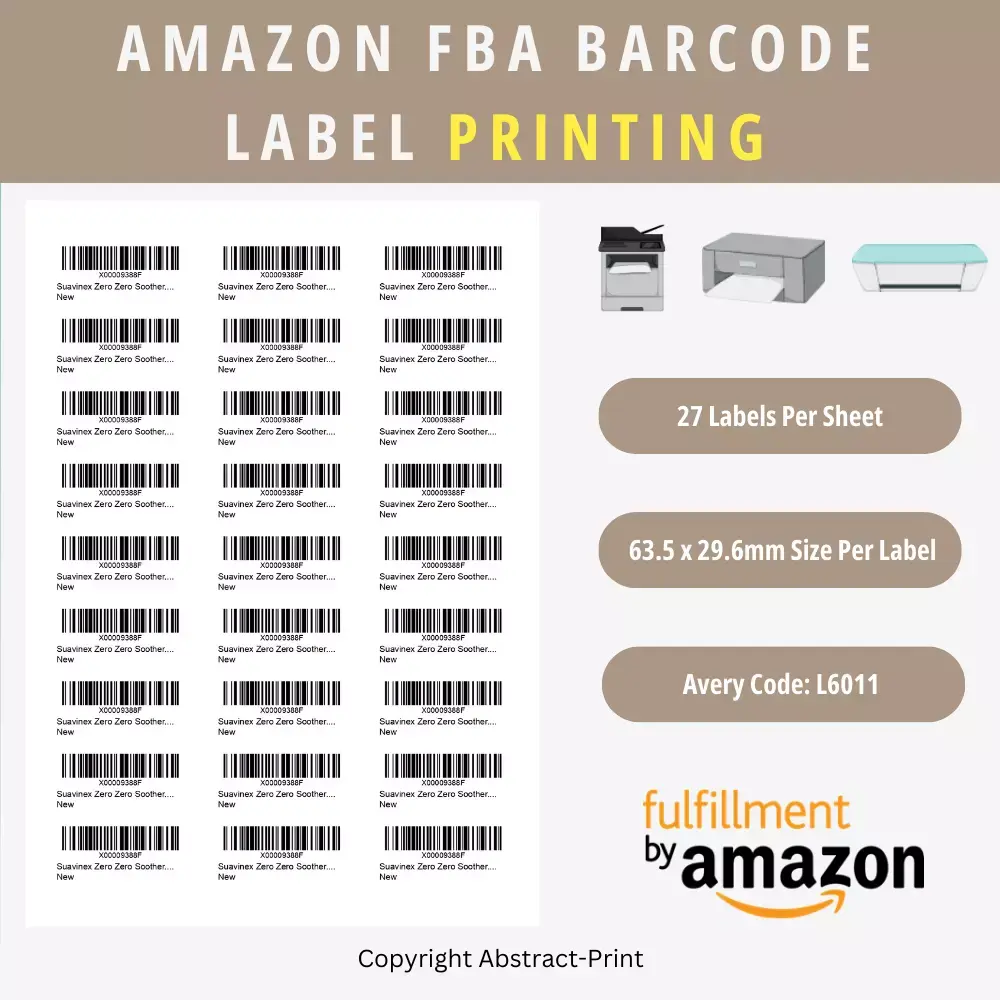
If you’re looking for a reliable and cost-effective source for FBA labels in the UK, consider checking out this trusted UK supplier who offers both blank label sheets and professional printing services. They provide high-quality label stock that meets Amazon’s specifications and can save you time by printing your FBA labels directly if needed, adding convenience to your Amazon selling process.
Step-by-Step Guide to Printing Amazon FBA Labels
Follow these detailed steps to print your Amazon FBA labels correctly:
- Access the labeling section: Navigate to the “Send/Replenish Inventory” section of your Amazon Seller Central account.
- Choose labeling responsibility: When prompted in the Shipping Creation Workflow, select “Merchant” in the “Who labels?” dropdown menu. This indicates you’ll be handling the labeling rather than Amazon.
- Verify unit quantities: Confirm that the number of units shown matches the exact number of labels you need to print.
- Check for pagination: Amazon will only display 100 SKUs per page at a time. If your shipment contains more than 100 different SKUs, be sure to click “All Pages” to ensure you print labels for all items.
- Select label size: Choose your preferred label size from the dropdown menu based on your product requirements and the label stock you have available.
- Generate labels: Click the orange “Print labels for this page” button.
- Save or print: Either save the generated PDF file for later printing or print immediately if your printer is ready with the correct label paper loaded.
- Verify print quality: Before applying to products, check that all barcodes are clear, dark, and not smudged. Test scan a few with a barcode scanner if possible.
For larger shipments, you might want to generate a packing list to help match the correct labels with each product, especially if product names are similar or abbreviated on the labels.
Best Practices for Applying Amazon FBA Labels
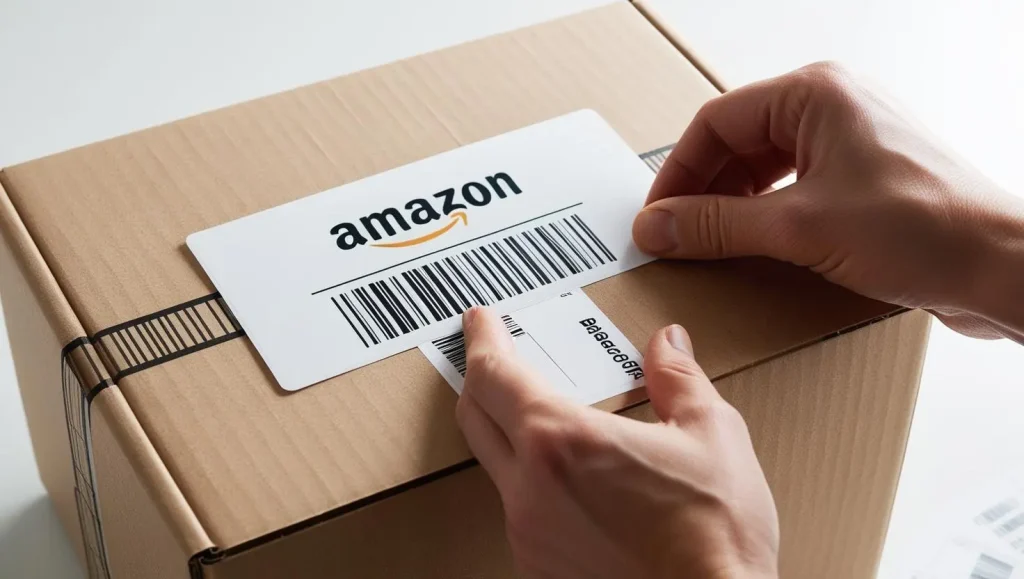
Proper application of your Amazon FBA labels is just as important as printing them correctly. Follow these guidelines:
- Use a laser printer: Laser printers produce crisp, smudge-resistant barcodes that scan reliably. Inkjet printers can create labels that smear when handled, potentially making them unscannable.
- Apply to flat surfaces: Always place labels on smooth, flat surfaces of the packaging – never on curves, corners, or seams.
- Cover original barcodes completely: Ensure your Amazon FBA labels fully cover any manufacturer barcodes (UPC, EAN, ISBN) on the product packaging to prevent scanning confusion.
- Maintain proper spacing: Keep at least 0.25″ (6.25mm) between the edge of the label and the edge of the packaging to ensure consistent scanning.
- Handle cylindrical items properly: For cylindrical products, place the barcode lengthwise along the cylinder rather than wrapping it around the curve.
- Use quality label stock: Invest in proper label paper that adheres well and doesn’t peel off easily during handling and shipping.
- Test before bulk application: Before labeling your entire inventory, test a few labels to ensure they scan properly and adhere well to your product packaging.
Common Amazon FBA Label Mistakes to Avoid
Avoid these costly mistakes when preparing your Amazon FBA labels:
- Printing on regular paper: Regular paper won’t adhere properly and can fall off during transit.
- Using low-quality label stock: Cheap labels may peel, fade, or smudge, making barcodes unscannable.
- Partially covering original barcodes: This creates scanning confusion and may result in inventory errors.
- Using inkjet printers without protection: Unprotected inkjet prints can smudge, especially in humid warehouse conditions.
- Placing labels on seams or curved surfaces: This distorts the barcode and makes it difficult to scan.
- Reusing labels: Each product needs its unique label – never duplicate labels on multiple products.
- Sending unlabeled products: Unless specifically eligible for manufacturer barcode use, all products must have Amazon FBA labels.
- Ignoring white space requirements: Insufficient margins around barcodes can prevent proper scanning.
Label Printing Options: DIY vs. Professional Services
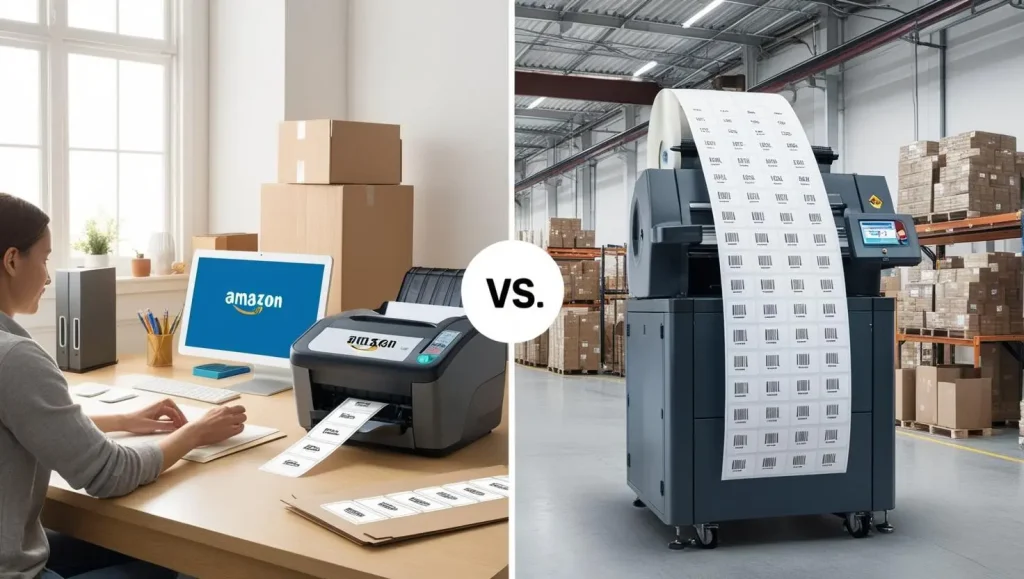
You have several options for printing your Amazon FBA labels:
DIY Printing:
- Purchase blank label sheets and print using your own laser printer
- Most cost-effective for smaller sellers
- Requires investment in proper equipment and supplies
- Gives you complete control over timing and quality
Amazon Labeling Service:
- Amazon can label products for you (for a fee per item)
- Convenient but can become expensive for large inventories
- Requires your products to arrive at Amazon without existing labels
- May add time to your fulfillment process
Third-Party Label Printing Services:
- Specialized companies can print and even apply labels for you
- Helpful for sellers without proper printing equipment
- Particularly useful for larger shipments
For UK-based Amazon sellers seeking affordable and reliable label solutions, this trusted UK Amazon FBA label supplier offers both pre-cut blank labels and professional printing services, making it easier to ensure your products meet Amazon’s strict labeling requirements.
Recommended Supplies and Equipment
To ensure your Amazon FBA labels meet Amazon’s standards:
Printer:
- Laser printer (preferred for smudge resistance)
- At least 300 DPI resolution
- Black and white is sufficient
Label Stock:
- Self-adhesive label sheets in your chosen size
- Matte finish (glossy can cause reflection issues with scanners)
- Strong adhesive that works with your product packaging materials
Additional Tools:
- Barcode scanner for testing (optional but helpful)
- Label applicator for high-volume needs
- Clean, dry workspace for label application
Q&A: Common Questions About Amazon FBA Labels
Q: Can I use manufacturer barcodes instead of Amazon FBA labels? A: In some cases, yes. Amazon allows “stickerless, commingled inventory” for eligible products with manufacturer barcodes. However, this means your inventory may be mixed with identical products from other sellers, which can create issues if counterfeit or damaged items enter the system.
Q: What happens if I send products with incorrect labels? A: Amazon may reject your shipment, charge you for relabeling, or in worst cases, destroy items if they cannot identify the owner. This can lead to lost inventory and additional costs.
Q: How do I handle multipacks or bundles? A: Custom product bundles always require Amazon FBA labels, even if the individual items have manufacturer barcodes. The label should be placed on the outermost packaging that holds all items together.
Q: Can I print Amazon FBA labels on regular paper and tape them to products? A: This is not recommended. Regular paper with tape can peel off or become damaged during handling. Always use proper adhesive label stock that’s designed for product labeling.
Q: Do I need different labels for different Amazon marketplaces? A: Yes. If you sell on multiple Amazon marketplaces (e.g., UK, EU, US), you’ll need marketplace-specific labels for each location. Inventory cannot be transferred between marketplaces without new labels.
Q: How do I handle products that are difficult to label? A: For items with unusual shapes or textures, consider using Amazon’s label service or place the label on product packaging rather than the item itself. For very small items, use poly bags with the label on the outside.
By following these guidelines and best practices for Amazon FBA labels, you’ll ensure your products move efficiently through Amazon’s fulfillment process, avoiding costly delays and penalties. Take the time to set up your labeling system correctly from the start, and it will become a smooth part of your Amazon selling routine.


