

Amazon sellers engaged in online arbitrage know firsthand how challenging it can be to find profitable products and grow sales consistently. The right arbitrage app can dramatically transform your Amazon business, helping you source high-margin products faster and streamline your selling process. With numerous Amazon arbitrage apps available today, choosing the best one for your specific needs is crucial for success in the competitive online marketplace. In this comprehensive guide, we’ll examine the top Amazon arbitrage apps available in 2025, their key features, and how they can help boost your online arbitrage business.
Quick Rundown of What’s Covered:
- Definition of Amazon online arbitrage and why sellers need specialized arbitrage apps • Categories of arbitrage tools (product research, repricing, deal platforms, etc.) • Detailed reviews of the top 14 Amazon arbitrage apps and tools • Pricing information for each arbitrage app • Key features comparison • Benefits of using arbitrage apps for Amazon sellers • Common Q&A about Amazon arbitrage apps
What is Amazon Online Arbitrage?
Online arbitrage involves purchasing products from online retailers at a lower price and reselling them on Amazon for profit. This business model requires sellers to find profitable products, analyze competition, calculate potential profits, and manage inventory efficiently. A proper arbitrage app assists with these processes, making product research and decision-making more effective. The best arbitrage apps help Amazon sellers automate repetitive tasks and identify profitable opportunities more quickly than manual methods.
Types of Amazon Arbitrage Tools
Before diving into specific apps, let’s understand the different types of tools available to Amazon arbitrage sellers:
Product Research Tools
These essential arbitrage apps help you find profitable products matching your criteria and analyze their potential sales and issues they may have. They form the backbone of any successful online arbitrage business.
Repricing Tools
Repricing software automatically adjusts your product prices based on competitor pricing and your pricing strategy, helping maintain competitiveness while maximizing profits.
OA Deal Platforms
These are marketplaces where sellers can purchase pre-researched deals that have been verified by professionals, saving time and helping sellers quickly grow their arbitrage business.
Profit Calculators
These tools help determine potential profit by accurately estimating costs and revenues associated with selling specific products on Amazon.
Cashback Services
These services refund a percentage of the money spent on online purchases, allowing you to reduce costs and increase profit margins.
Coupon Websites
These platforms gather coupons, promo codes, and other savings offers in one place, making it easier for arbitrage sellers to find and use them for purchasing inventory.
Top 14 Amazon Arbitrage Apps and Tools

1. FBAmultitool
FBAmultitool stands out as one of the most comprehensive all-in-one product research extensions available for Amazon arbitrage sellers. This powerful arbitrage app combines several crucial features that let you instantly see vital product metrics directly on Amazon search and product pages.
Key Features: • FBM & FBA Profit Calculator • Advanced IP Alerts • Quick View functionality • Stock Checker • Restrictions Checker • Notifications for oversize, meltable, HazMat, and other product flags • On-page Notes • Export to Google Sheets • VAT calculator
Price: Starting from $15.99/month with a free version offering limited features
FBAmultitool is particularly valuable because it immediately alerts you if a product has sales restrictions or might trigger problems with your seller account health. The ability to save research results to Google Sheets with one click makes it especially useful for systematic online arbitrage.
2. IP-Alert by FBAmultitool
This free extension helps arbitrage sellers quickly check Amazon products for intellectual property complaints. It’s essential for avoiding account suspension by proactively identifying products that might trigger IP complaints. The tool maintains a unique IP complaints database that’s updated daily.
Key Features: • Free IP alert lookup • Simple ASIN check interface • Identifies IP complaint type and filing date • Minimizes risk of account suspension
Price: Free
3. Keepa
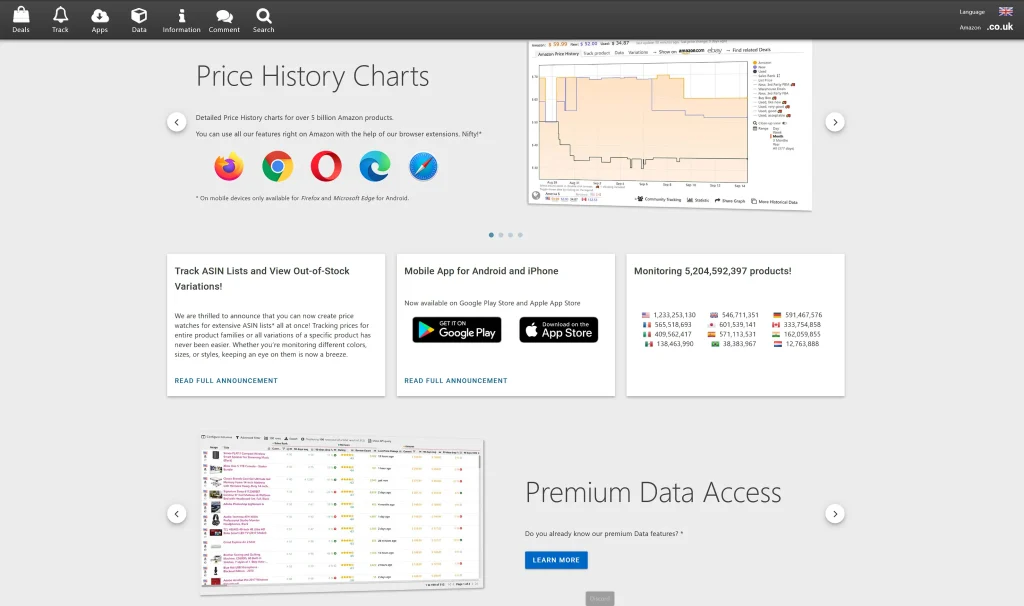
Keepa is a popular Amazon price and sales tracking extension that provides detailed graphing and data visualization. It’s particularly useful for analyzing historical pricing trends and sales performance.
Key Features: • High-detail price tracking charts • Buy Box and sales rank trend monitoring • Sales velocity estimation • Review count and product rating display
Price: 19€ (approximately $23) per month with a free version offering limited features
4. Tactical Arbitrage
Tactical Arbitrage is a powerful product sourcing extension that automatically finds profitable deals from its extensive database of over 1000 stores, including major retailers like eBay, Walmart, and Costco.
Key Features: • Extensive store database for sourcing • Customizable product criteria • Profit, ROI, and margin calculations • Reverse search capability to identify competitors’ sourcing
Price: $70/month
5. Source Mogul
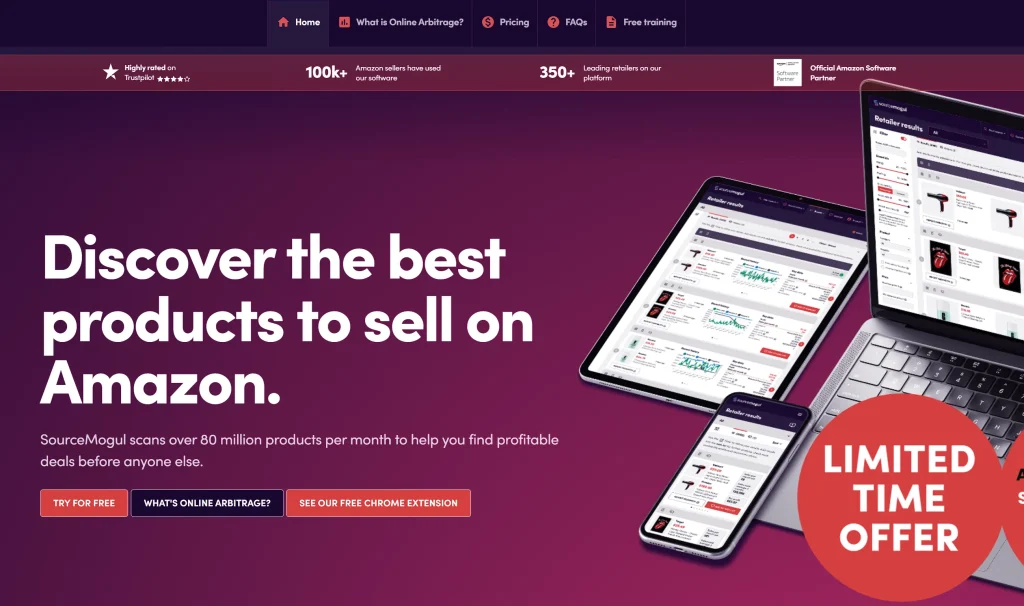
Source Mogul leverages automated scanning technology to provide access to millions of potential arbitrage items monthly. It allows filtering search results to see only products meeting specific criteria.
Key Features: • Automated scanning technology • Brand restriction information • Current stock level data • Historical data and trending pricing
Price: $97/month
6. FBAleadsUK
FBAleadsUK is a marketplace that allows online arbitrage sellers to purchase profitable deals. Sellers can purchase deals from professional researchers.
Key Features: • Safe purchase environment • Refund warranty • Deal eligibility checker for seller accounts • Deal verification • No prepayment required
Price: No prepayment required
7. SellerBoard
SellerBoard serves as a profit analytics service for Amazon sellers with additional tools for inventory management, reimbursements for lost stock, and listing change alerts.
Key Features: • Profit analytics • Follow-up email campaigns • Inventory management • FBA error tracking • PPC optimization
Price: $15/month
8. Amazon FBA Revenue Calculator
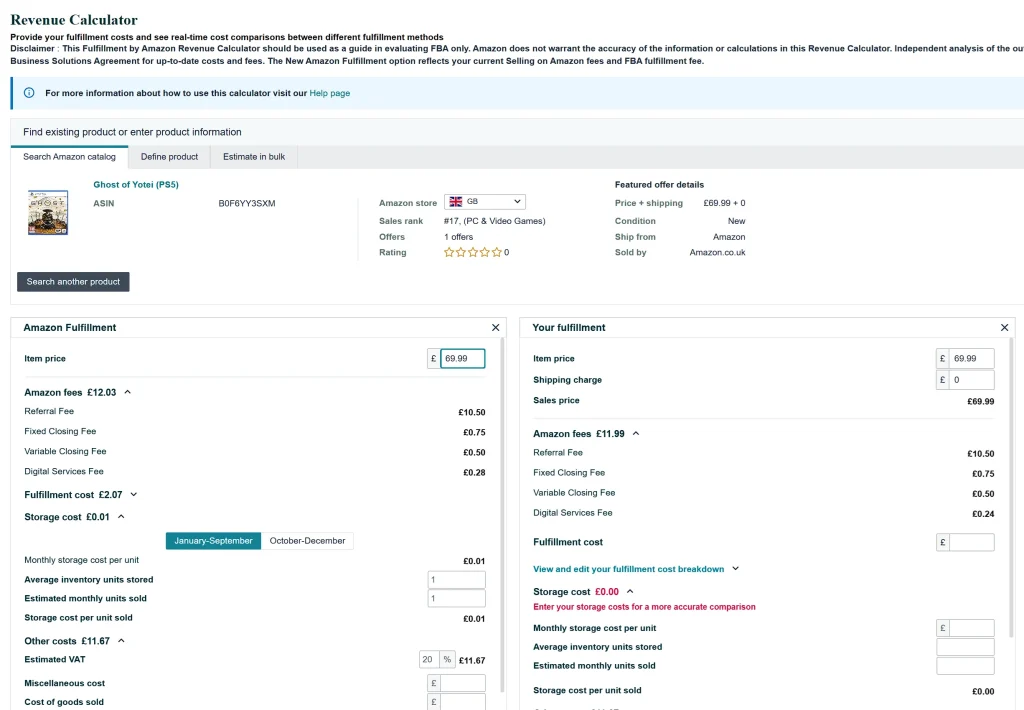
Created by Amazon, this official tool helps sellers estimate product fulfillment costs with real-time comparisons between different fulfillment methods.
Key Features: • Amazon fees calculation • Fulfillment cost estimation • Monthly storage fee calculation • Profit and margin projection
Price: Free
You can access the official Amazon FBA Revenue Calculator here.
9. RepricerExpress
This repricing software automatically adjusts product prices to maximize margins. It offers pre-made repricing strategies as templates that can be quickly customized.
Key Features: • Automatic pricing adjustments • Pre-made repricing strategy templates • Competitive price monitoring • Profit maximization algorithms
Price: £64/month (approximately $79)
10. Amazon Automate Pricing Tool
Amazon’s free repricing software allows sellers to automatically adjust prices on select SKUs when the Buy Box price changes or competition modifies their prices.
Key Features: • Customizable price rules • Minimum and maximum price settings • Buy Box price monitoring • Competition price tracking
Price: Free
11. NordVPN
NordVPN provides a secure private connection that allows arbitrage sellers to access supplier websites that might be location-restricted and get the best prices based on virtual location. A great tip is to purchase access codes from G2A for under $25 for a 2-year subscription, making this a highly cost-effective tool.
Key Features: • Secure private connection • Access to location-restricted content • Location-based price optimization • Data protection
Price: Typically $10.95/month, but can be as low as $25 for 2 years through G2A
12. Honey
This free extension automatically applies promotional codes and coupons to products found online, eliminating the need to manually search for promo codes.
Key Features: • Automatic coupon application • Promo code testing • Cashback opportunities • Easy installation and use
Price: Free
13. PriceBlink
PriceBlink helps find coupons and identify the lowest product prices across the web, with alerts for free shipping and discount offers.
Key Features: • Coupon finder • Price comparison • Free shipping alerts • Discount offer notifications
Price: Free
14. Rakuten
Rakuten offers cashback on purchases from over 3,500 different websites, helping arbitrage sellers save money on inventory purchases.
Key Features: • Extensive cashback network • Cashback rate comparison • Easy activation during shopping • Regular payment processing
Price: Free
Benefits of Using an Arbitrage App for Amazon Sellers
Implementing the right arbitrage app into your Amazon business workflow provides several key advantages:
- Time Efficiency: Automation of research processes saves countless hours that can be redirected to business growth
- Higher Profit Margins: Arbitrage apps help identify the most profitable products and optimal pricing strategies
- Risk Reduction: Features like IP alerts and restriction checkers help avoid costly mistakes and potential account issues
- Competitive Edge: Access to deals and pricing information gives you an advantage over sellers relying on manual methods
- Scaling Capability: With efficient arbitrage apps, you can handle more products and expand your business faster
How to Choose the Right Amazon Arbitrage App
When selecting an arbitrage app for your Amazon business, consider these factors:
- Your Business Model: Different tools work better for different arbitrage approaches
- Budget: Balance cost against features and potential ROI
- Integration Capability: Ensure the arbitrage app works with your existing systems
- Learning Curve: Consider how quickly you can become proficient with the tool
- Support and Updates: Check if the arbitrage app provider offers good customer support and regular updates
Q&A About Amazon Arbitrage Apps
What is the difference between online arbitrage and retail arbitrage?
Online arbitrage involves purchasing products from online retailers to resell on Amazon, while retail arbitrage involves buying products from physical retail stores. Online arbitrage can be done entirely from home but may have thinner margins due to less pricing discrepancy, while retail arbitrage often yields higher margins but requires physical travel to stores.
Do I need a paid arbitrage app to start selling on Amazon?
No, you can start with free tools like Amazon’s FBA Revenue Calculator and gradually add paid tools as your business grows and you need more sophisticated features. However, paid arbitrage apps typically save significant time and can help avoid costly mistakes.
Which arbitrage app is best for beginners?
FBAmultitool is often recommended for beginners due to its comprehensive features and user-friendly interface. The free version allows new sellers to start using essential features without a significant investment.
How much can I expect to invest in arbitrage apps monthly?
Most arbitrage sellers spend between $20-$200 monthly on tools, depending on business size and requirements. Starting with one core research tool and adding others as needed is a common approach.
Can arbitrage apps guarantee profits?
No arbitrage app can guarantee profits, as market conditions constantly change. However, these apps provide data and insights that significantly improve your decision-making process and increase your chances of finding profitable products.
How do these arbitrage apps help with Amazon’s restrictions?
Many arbitrage apps include features that check for category restrictions, brand gating, hazardous materials classification, and intellectual property issues before you purchase inventory, helping you avoid products you cannot sell on Amazon.
Conclusion
The right Amazon arbitrage app can transform your online selling business from a time-consuming struggle to an efficient, profitable venture. While there are many tools available, FBAmultitool stands out as a top choice for comprehensive product research, with its all-in-one approach to providing vital selling metrics and alerts.
Remember that successful Amazon arbitrage requires more than just good arbitrage apps – it demands consistent application, market awareness, and continuous learning. Start with tools that match your current business size and goals, then expand your toolkit as your business grows.
Have you used any of these arbitrage apps? Which ones have helped your Amazon business the most? Share your experiences in the comments below!


